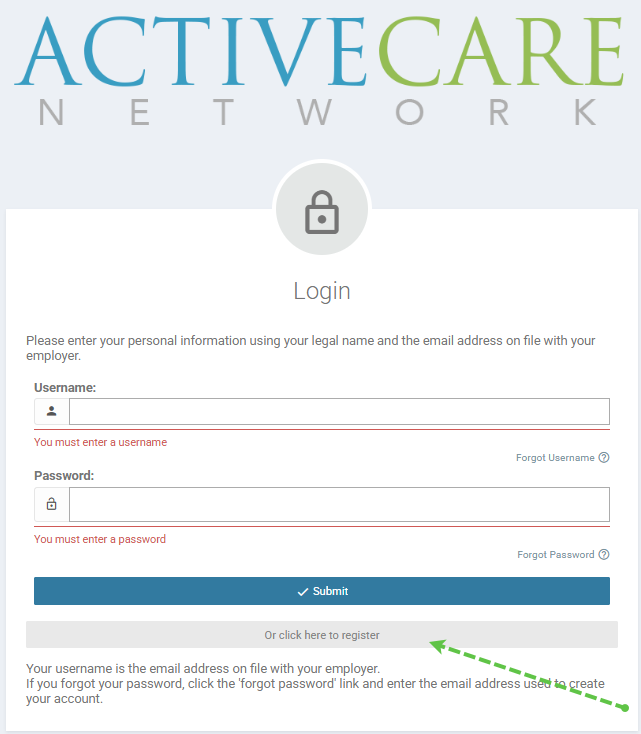
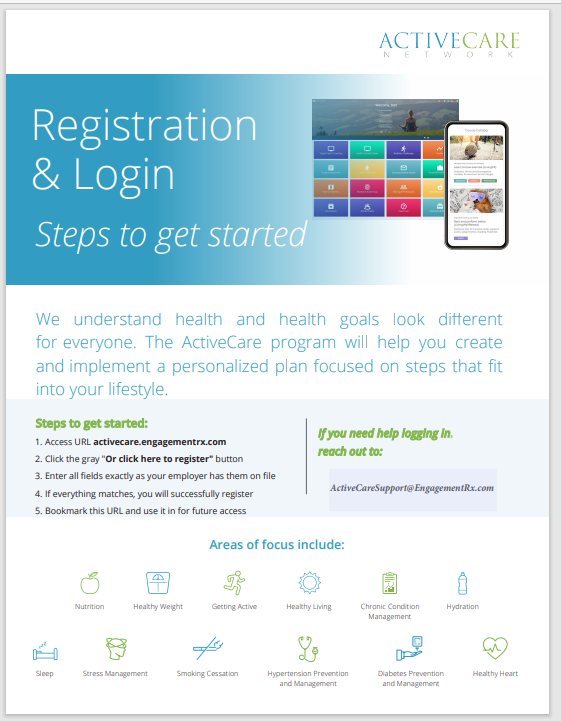
This solution article acts as a guide for registering your account with ActiveCare. To finalize your registration, navigate to activecare.medikeeper.com Once there, click on the "Or Click Here to Register" grey button as shown in the screenshot below.
You will need to fill out the registration form with your first name, last name, date of birth, zip code, and the email address associated with your account. It is crucial to make sure that the information entered into the system aligns with what was submitted by the HR/benefits team.
If you need to update your information, please reach out to your HR department. Typically, only employees and spouses enrolled in the medical plan will appear in the system. If an employee is unable to complete their registration, it may be due to one of the following two reasons:
- They have not enrolled in the medical plan
- They have recently enrolled in the medical plan and have not yet been added to the file
In this case, it is recommended to reach out to your benefits provider or HR Team to make the necessary changes.
.
Was this article helpful?
That’s Great!
Thank you for your feedback
Sorry! We couldn't be helpful
Thank you for your feedback
Feedback sent
We appreciate your effort and will try to fix the article